Agentregistry UI
Use the agentregistry UI to view AI artifact images, share them with your teams, and deploy them to your environment.
Access the UI
The agentregistry UI is automatically exposed on port 12121 when you start the agentregistry daemon.
-
Start the agentregistry daemon by running any
arctlcommand, such asarctl version.arctl version -
Open the agentregistry UI.
Explore the UI
The agentregistry UI comes with different built-in views that you can use to gain insights into your AI artifacts.
Admin view
The admin view provides an overview of all discovered AI artifacts. This view allows you to publish artifacts to the registry so that they can be shared among teams or deployed to a local or Kubernetes environment.
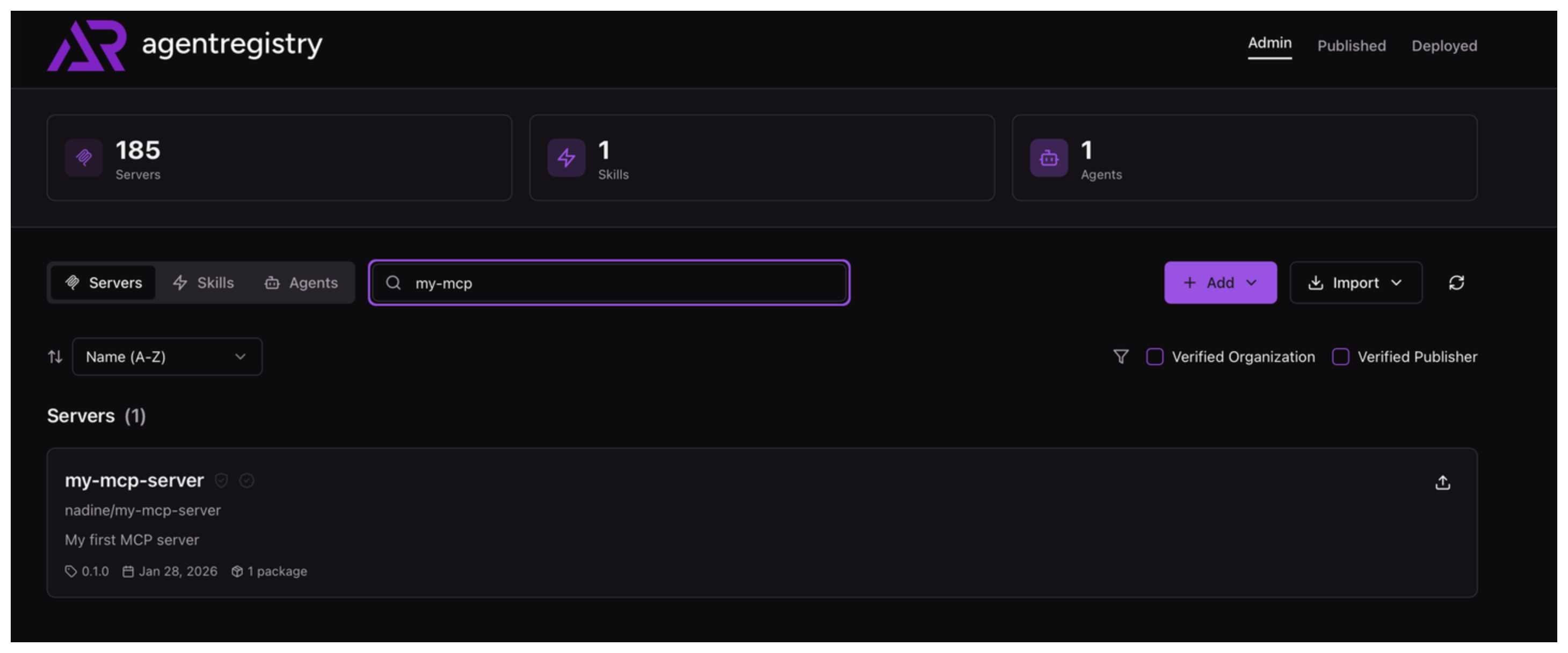
Servers
The Servers view shows all discovered MCP servers in your environment.
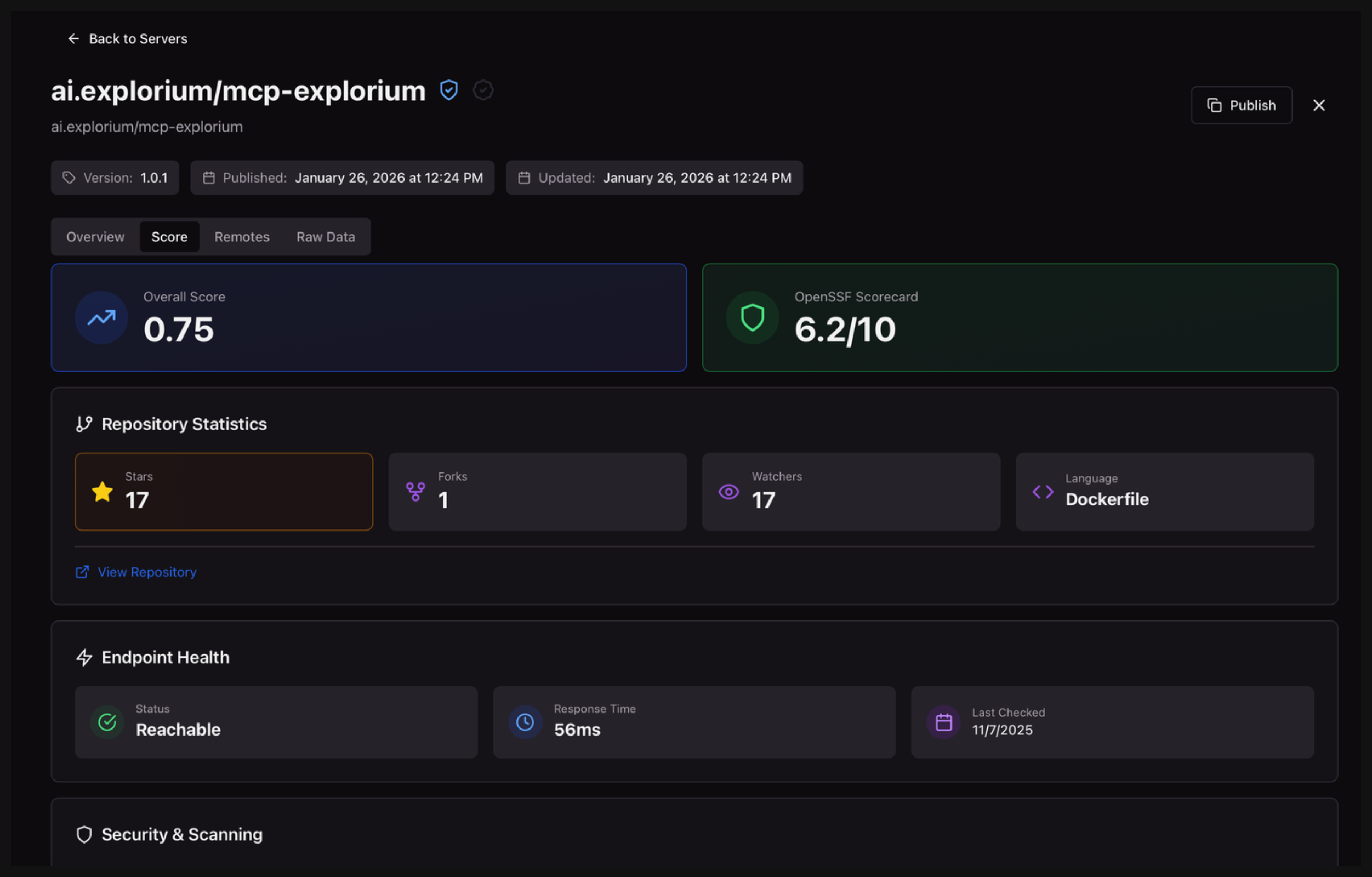
You can optionally drill into an MCP server to see its description, packages, and raw data. You can also review metadata, such as vulnerability scan results, endpoint health, or repository statistics.
Skills
The Skills view shows all discovered agent skills in your environment.
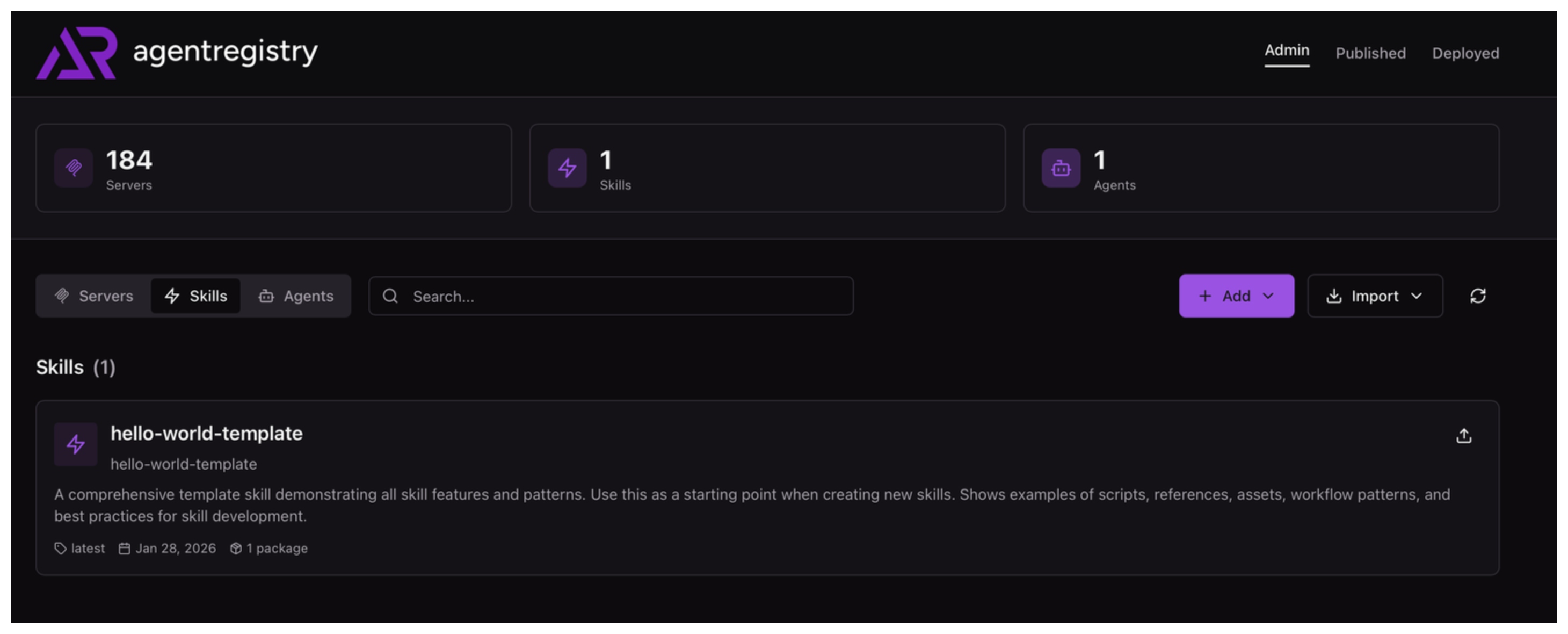
You can optionally drill into a skill to see its description, packages, and raw data.
Agents
The Agents view shows all discovered agents in your environment.
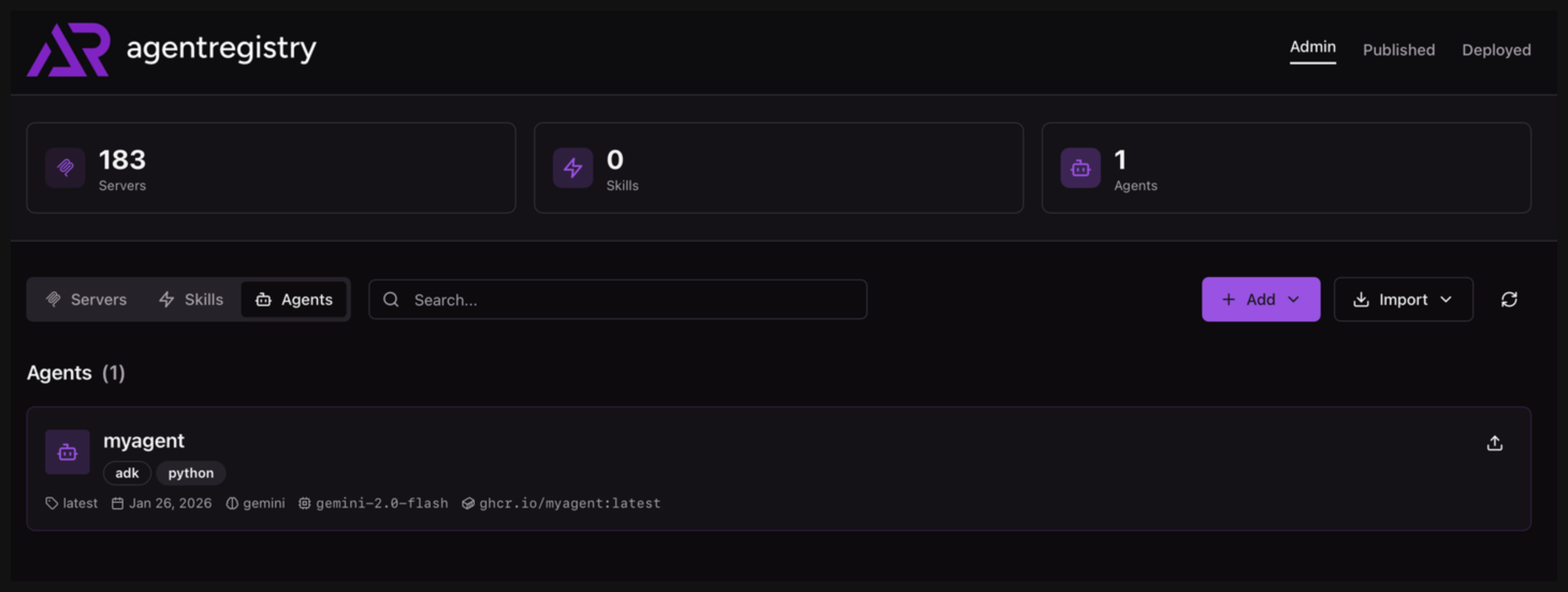
You can optionally drill into a skill to see its description, technical details, and raw data.
Published view
The Published view includes all AI artifacts that you published to agentregistry. Only published artifacts can be shared among teams or deployed into environments.
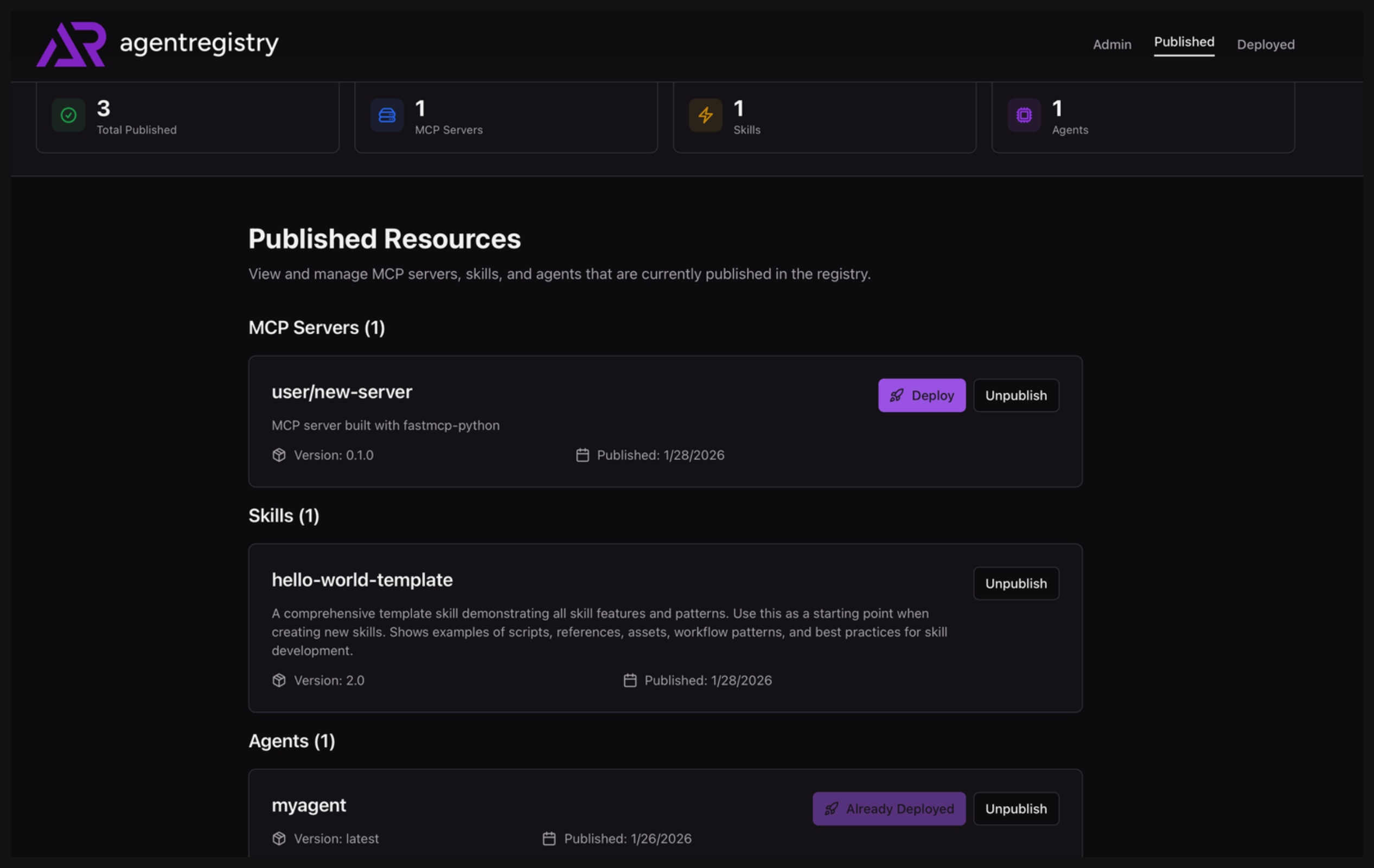
From this view, you can decide to unpublish AI artifacts or to deploy them into a local or Kubernetes environment.
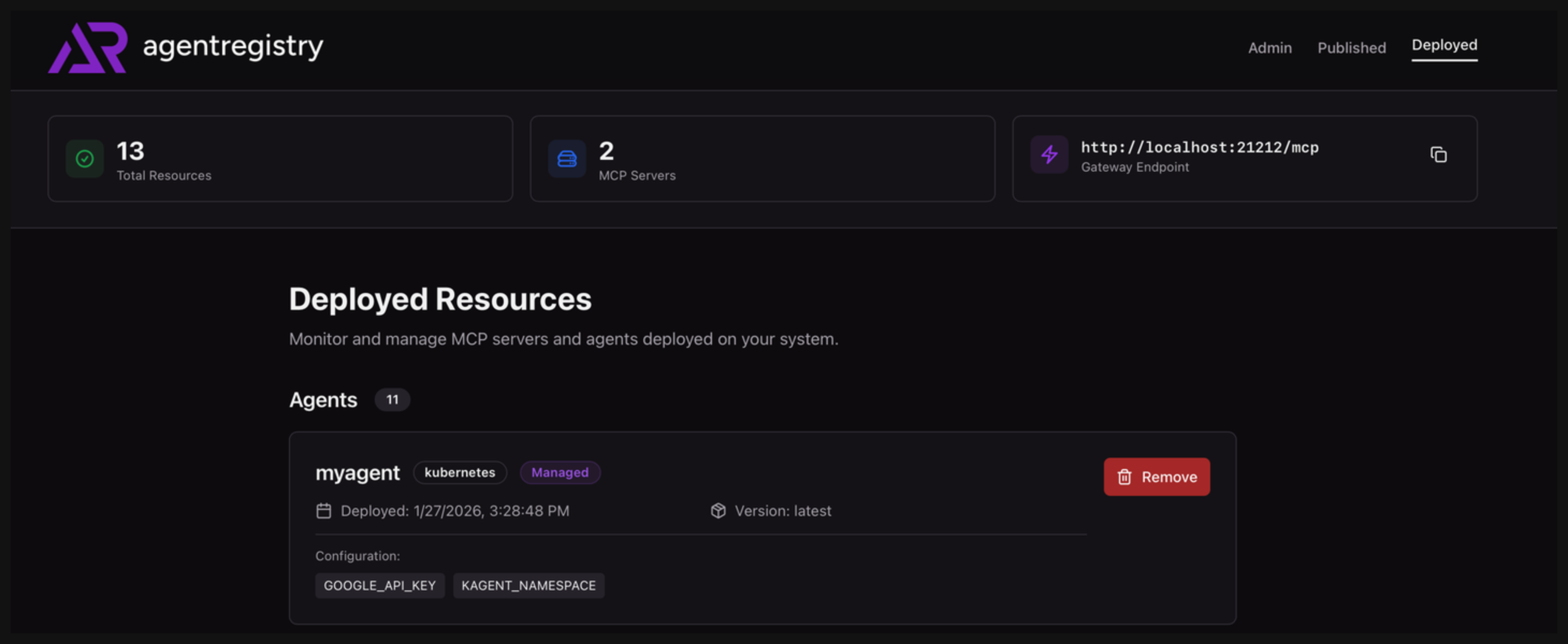
Deployed view
The Deployed view includes all AI artifacts that you deployed to an environment. You can optionally use the UI to remove the deployment from your environment.